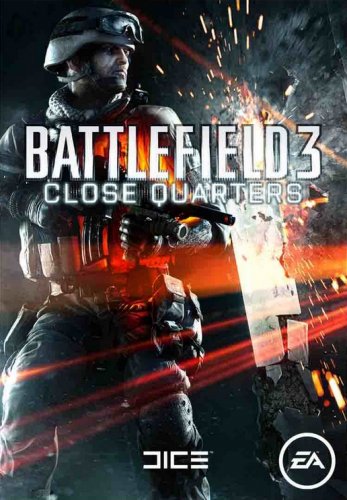
NO CD, NO BOX, DIGITAL DELIVERY!
ATTENTION!
Battlefield 3: Close Quarters requires an installed licensed version of Battlefield 3 to run.
Activation: Origin
Release date: June 26, 2012
Localization: Russian, English, German, Spanish, French, Italian, Polish, Czech, Japanese, Korean, Chinese
Activation: REGION FREE
Developers: DICE
Publishers: Electronic Arts
Close Quarters is the new Battlefield 3 add-on for team-based close-quarters combat. Close Quarters' mesmerizing infantry combat is enhanced by unprecedented high definition destruction, new gameplay options, new weapons, and stamina testing.
In Close Quarters, all destruction is rendered in high definition (HD). To get to the enemy faster, players can destroy everything around, observing the result of their actions in the form of stone and other debris scattered everywhere.
The close design of the Close Quarters levels and the many opportunities for vertical gameplay force the player to squeeze the most out of their skills (if, of course, he wants to stay alive in this theater of war).
The main features of the DLC Battlefield 3: Close Quarters:
- In Close Quarters you plunge into a fierce and merciless infantry battle!
- In Close Quarters you must always be on the move and look around, as death can appear from any corner and at any time!
- In Close Quarters you are allowed to destroy everything around! Everything! In HD!
- In Close Quarters you earn new weapons, which you can then use in the main game!
- In Close Quarters Completing tasks, you get new tokens!
- Play Close Quarters in a new way, implement and mix team tactics, learn to instantly react to the ever-changing environment around you!
This product is distributed through digital distribution, it is only a pin code, and does not contain packages and boxes.
Additional Information
ATTENTION: This activation key in Origin.
To start playing Close Quarters you need:
1. Download and install the Origin program. (http://www.origin.com/download)
2. Launch Origin.
3. Select the interface language and the location where the game will be installed.
4. Go to the "Origin-Configure and Control" section.
5. Select "Redeem Product Code".
6. Enter the Close Quarters key received after payment.
7. After activating the game, a bookmark will appear with your profile and a list of activated games.
8. Select Battlefield 3 and press "Start".
9. Download and install the game.